

Toniebox vs. Yoto Player: Which Audio Device Is Worth It for Your Kid (and Your Wallet)?
We own both so my pros and cons!


EDIT: Since I’ve written this article, Tonie Box has come out with a new version of their player and it has features that I haven’t tested. It is also more expensive.
I stumbled upon the Toniebox in our local toy store right before my daughter’s third birthday. It felt like the perfect screen-free solution for quiet time, and honestly, it was. For the next four years, we got great use out of it. I still have plenty of love for the Toniebox — but now that we’ve added the Yoto Player into our routine, I’ve officially crossed into superfan territory. (Mainly because chapter books came earlier than I thought in our household!)
Both are great tools for helping kids build independence during quiet time, but there are a few reasons I think the Yoto Player edges out the Toniebox — especially as your kids get older. (Although I’ll admit, there’s one thing I still like better about the Toniebox.)
As a mom of two and someone who’s held a sacred afternoon “quiet time” for over seven years now, I cannot overstate how helpful it is to have a tool that entertains and calms your child without needing a screen. These devices give your kids autonomy — they choose what they want to listen to, and you get a much-needed break.
Here’s my breakdown of the pros and cons of each.
Age Range & Longevity
Toniebox
Great for toddlers, around 18 months to roughly 4 years. The soft, squishy design is toddler-safe, and the concept couldn’t be simpler — pop on a character, and it plays. It’s ideal for early independence during quiet time, but kids outgrow it quickly, especially if they’re early readers or tech-savvy.
Yoto Player
Best for ages 3+ and truly grows with your child. It works well into the elementary years, offers a broader content library and more features, and is flexible enough to support evolving interests.
Content Selection & Card Options
Toniebox
Character figures cost $19.99 each (they used to be closer to $12.99). Create Your Own Tonies hold only 90 minutes of content, and a lot of the branded content — like Disney — is off-brand music, which is a dealbreaker for some. The library is also smaller, and content variety leans mostly toward younger audiences, though there are a few NatGeo titles and some older chapter books.
Yoto Player
There are over 1,200 cards to choose from. Make Your Own cards can hold up to 5 hours of audio, and the options span audiobooks, music, education, and more. You can really customize the library to your kid’s interests and developmental stage.
DIY Options & Content Creation
Toniebox
Create Your Own Tonies are great if you have long-distance family, though the app is clunky and harder to use. The security features are strong — only approved users can upload content, which is a plus if you want tight control — but it’s often easier to have someone send you a voice memo to upload rather than record directly in the app.
You can make playlists in the app and assign them to any Make Your Own card. You can share playlists with friends and even swap cards, though there are limits (I haven’t hit them yet). I personally use Libro.fm to get audiobooks and load them onto cards — it’s a game changer for DIY content, and it’s super easy to rotate seasonal or themed playlists.
Bonus Features
Toniebox
Very tactile and cute, but there’s nothing beyond audio playback.
Yoto Daily is our favorite way to start the morning — jokes, fun facts, kid news. There are also built-in radio stations and music streaming, sleep sounds and bedtime timers, and daytime versus nighttime volume and pixel display settings. The Yoto Mini is a small, travel-friendly version that my kids bring in the car or to Grandma’s, and Club Yoto is the best way to get cards affordably — with the yearly membership, you can snag them for as low as $6.50.
Parental Controls & App Experience
Toniebox
The app is just okay — you often need to go online to manage content, and there’s not much customization available once a character is set.
You get full app control over playlists, sleep timers, and volume, including different settings for day and night, which is a huge win. When you buy a card, you get instant access to the content in your app with no waiting, and there’s Bluetooth functionality if you ever want to stream something else.
Cost Comparison
Toniebox
The starter set runs $99.99, and most characters are $19.99 — the cost adds up fast. The limited use window also means less long-term value.
Yoto Player
The full-size player is $99.99, and the Mini is $69.99. DIY content and Club Yoto options stretch your dollars much further, and the overall flexibility makes it a better long-term investment.
My final opinion: the Toniebox is great for little ones, but Yoto is the better long-term investment. We’ve loved both, though.
Final Verdict
If you’re buying for a toddler, the Toniebox is a sweet, intuitive way to introduce screen-free audio. But for most families, the Yoto Player wins in the long run — with its massive content library, better DIY tools, smarter parental controls, and overall flexibility.
My Favorites for Each Device
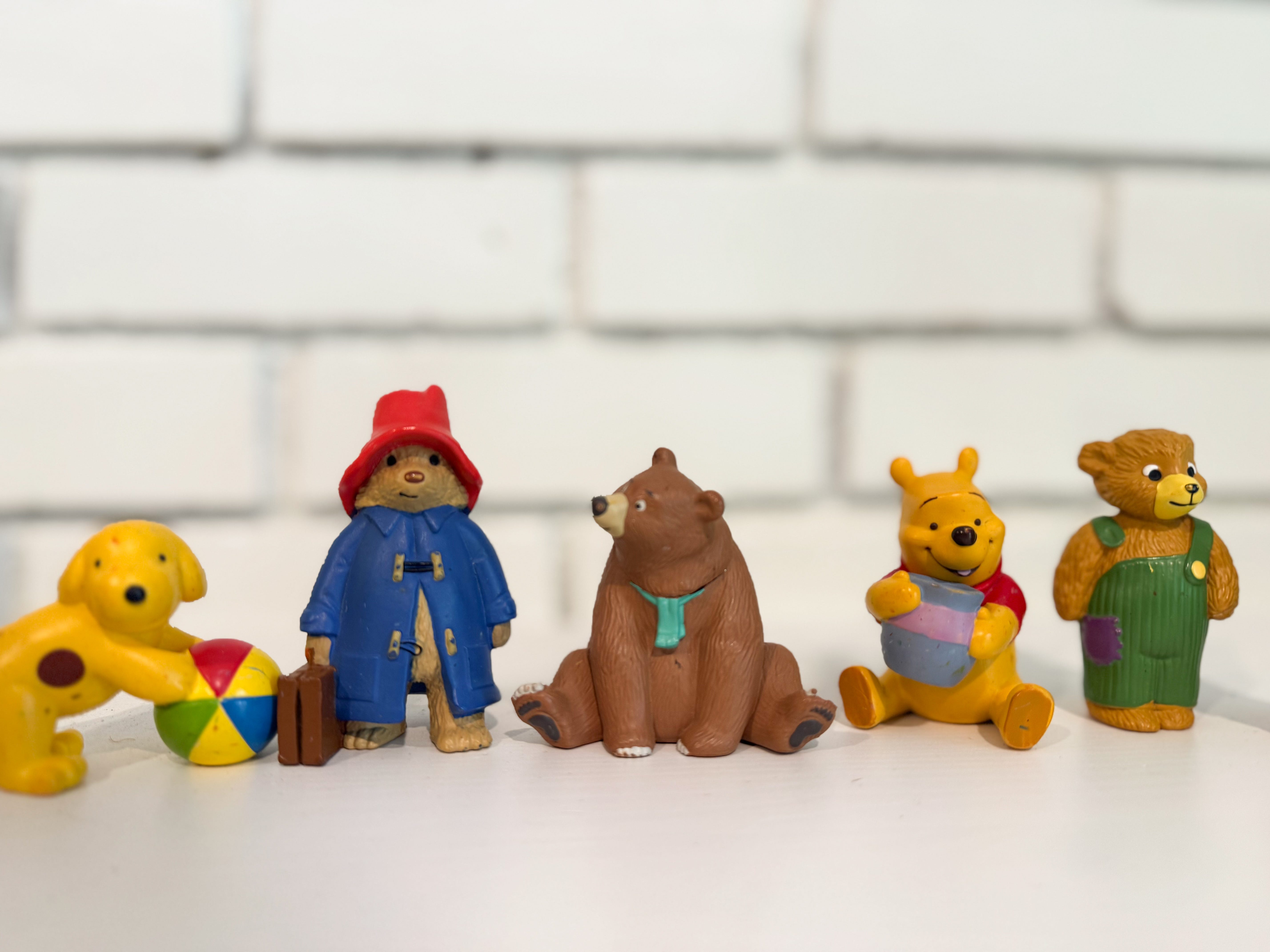
Toniebox:
The bears: Paddington, Winnie the Pooh, Corduroy, We’re Going on a Bear Hunt
Peter Rabbit
Dragons Love Tacos
Thomas the Train
The Little Engine That Could
Angelina Ballerina
Create your own with family reading stories, poems, or Bible verses
Yoto Player — younger kids:
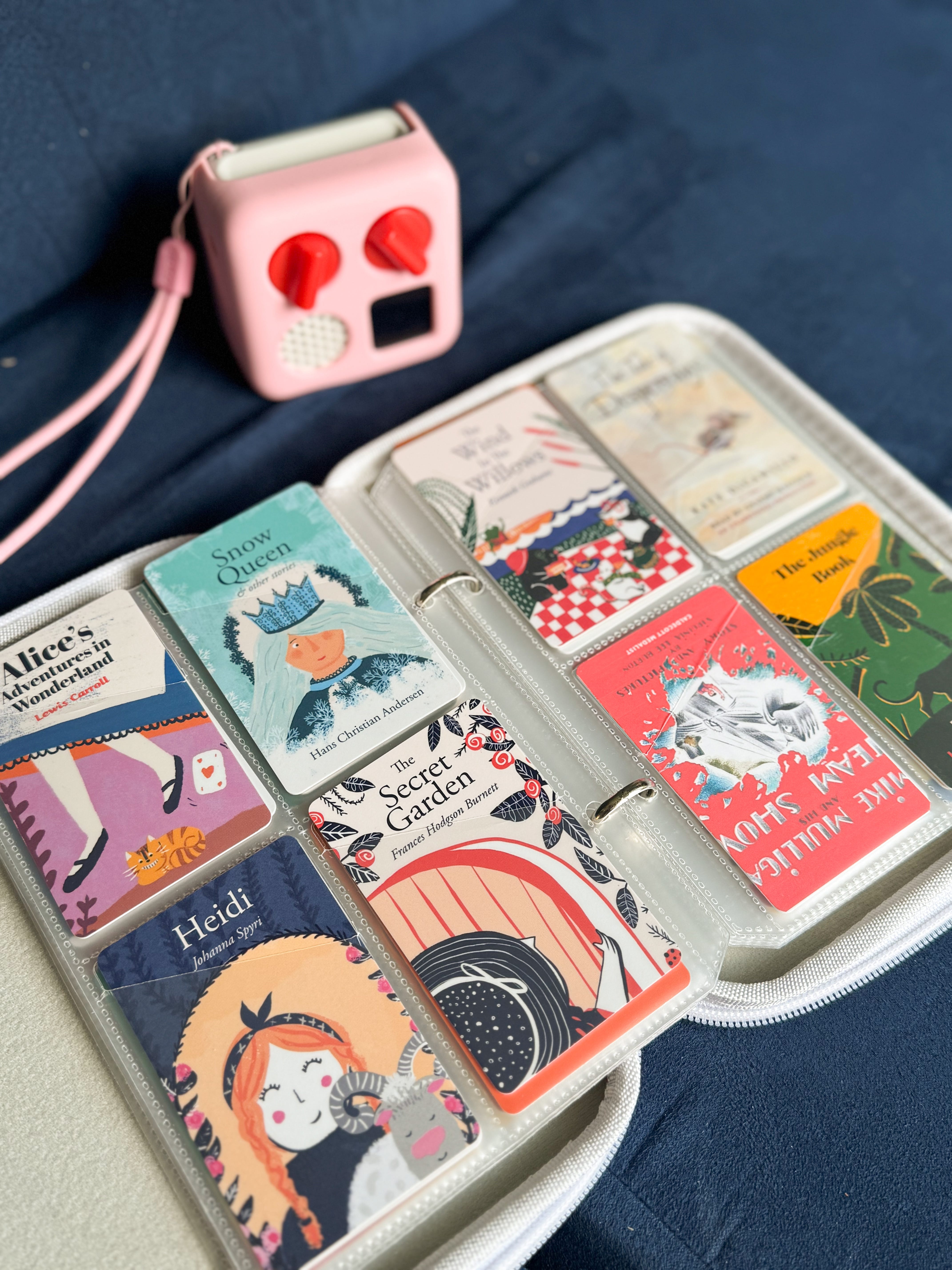
Spot
Geronimo Stilton
Winnie-the-Pooh
Mrs. Piggle Wiggle
Corduroy Collection
Peter Rabbit
Yoto Player — elementary age or advanced readers:
The Magic Tree House audiobooks
Charlotte’s Web
Mary Poppins
Stuart Little
The Chronicles of Narnia series
Heidi
Dragon Tales
The Boxcar Children
Favorites from Libro.fm:
Little House series
The Berenstain Bears
The Magic School Bus: Human Body
Brambly Hedge
Mr. Popper’s Penguins
How to Train Your Dragon (David Tennant narrates, and he’s amazing)
Mike Mulligan and His Steam Shovel
I also love the adventure jackets for a little extra protection (and to know whose is whose), along with the card case.
Bonus: Create Your Own Yoto Cards (It’s Easier Than You Think)
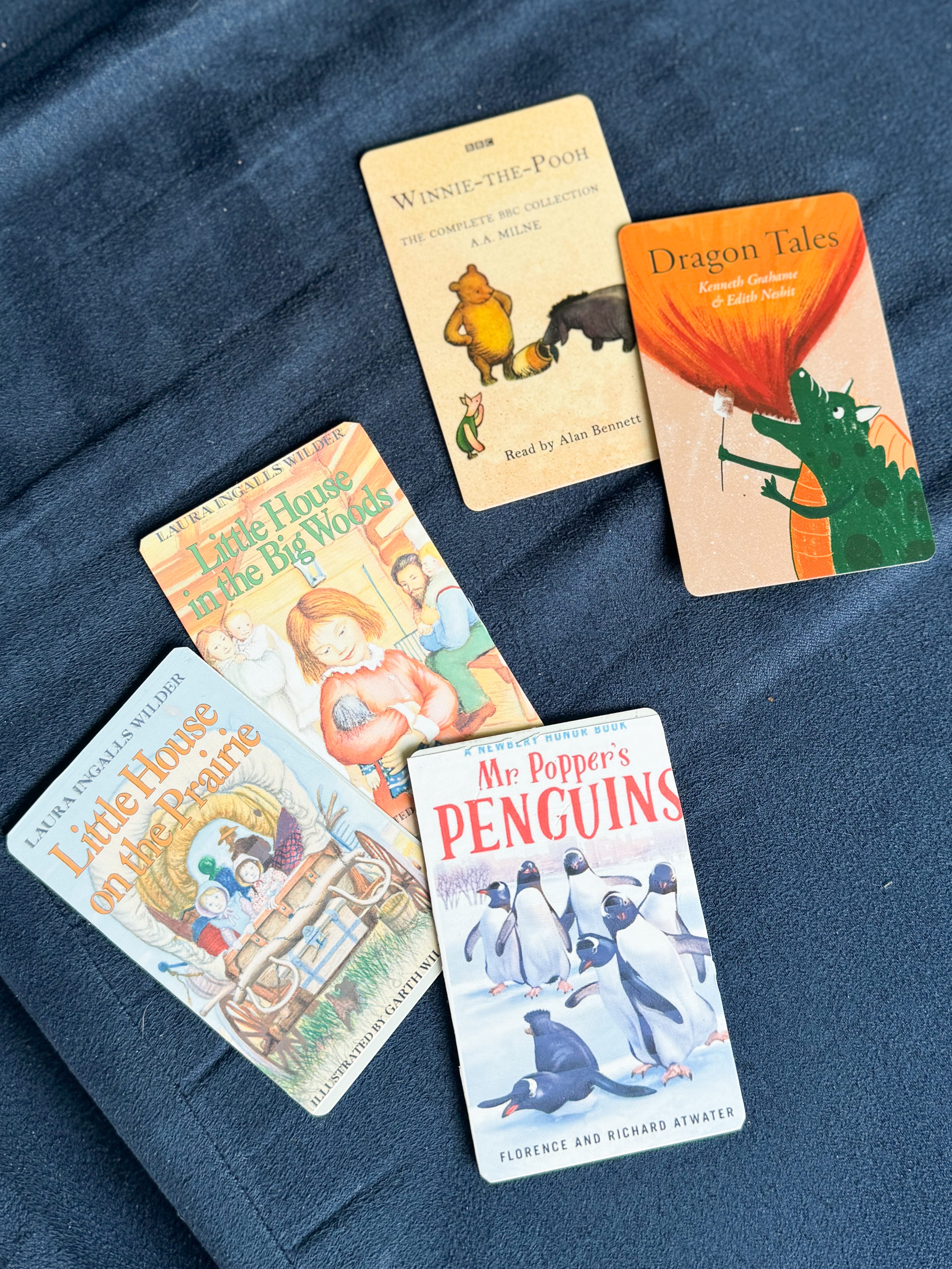
One of my favorite Yoto features is the ability to make your own cards. I personally love getting audiobooks from Libro.fm because they’re a lot more affordable, you get the actual file that loads right into Yoto, and you’re supporting a local bookstore of your choice.
And yes — you can even design your own card artwork. I generally just search for the book I’m looking for and upload the artwork into Canva. Here’s how I do it.
What you’ll need:
Blank Make Your Own Yoto cards (they come in packs)
Vinyl sticker labels that fit perfectly over the card
My Canva template for creating your own custom artwork
How to add custom artwork to your Yoto cards:
Download the Canva template and customize the design with your title, image, and colors.
Print the design on vinyl sticker paper — I use vinyl labels for durability and a clean look. Be sure to print at 100%. I use my paper trimmer to cut the stickers out.
Apply the sticker to the front of the blank Yoto card and trim around it.
In the Yoto app, assign your chosen playlist or audio file to that card. You can even update the content later and reuse the same card.
It’s such a fun way to personalize content — and let’s be honest, it feels very efficient to be able to rotate and reuse cards with seasonal playlists, travel stories, or custom bedtime routines.
Let’s Chat: What’s in Your Audio Library?
I’d love to hear what your kids are listening to if you use audiobooks, and what works best for your family. Drop your favorites in the comments — or share how you’re using audio time for a bit more peace in your day.
Here is a full list of audio books that we own and love organized by age range!

Thanks for reading The Efficient Kitchen! Subscribe for free to receive new posts and support my work.
this post contains affiliate links at no extra charge to you. they help keep content free to you.
My daughter is 3 and I've been thinking about getting one her an audio player but I didn't really know the options. Thank you for breaking it down!