


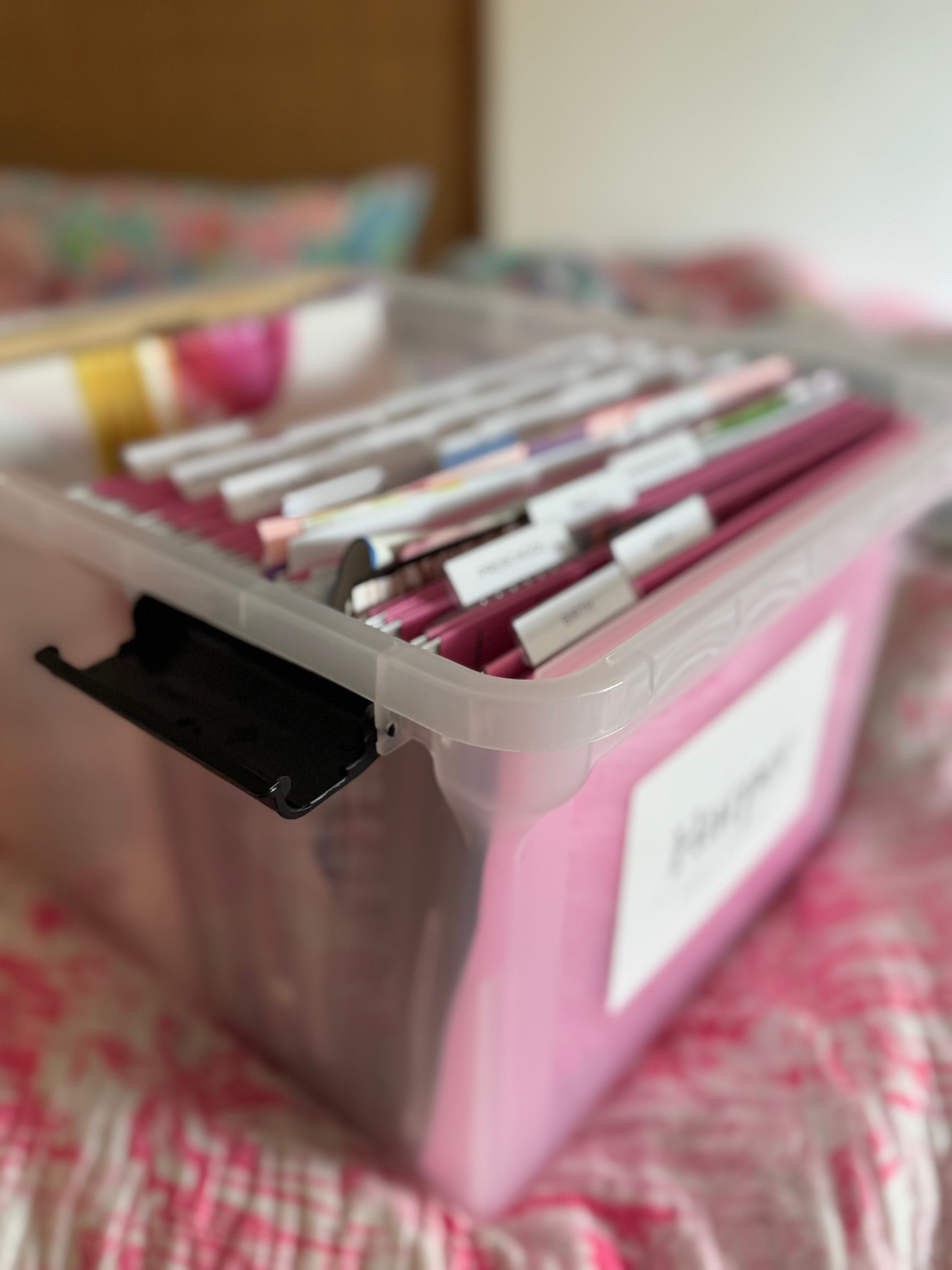
Keeping the end goal in mind.
Since our house is a little bit older, we do not have a ton of extra storage space in it. I started thinking about the end in mind. What do I want my kids to leave our house with? That includes skills, memories, tangible items. I don’t like clutter and operate a lot better when everything is semiorganized. (I have always joked that I would love to work for The Home Edit.)
I cleaned out my childhood room, and it was honestly overwhelming. I was a bit of a pack rat and squirreled away way too many papers in a bankers box with papers from high school. (As an adult, I do not care about my report cards or math tests or printed out AOL instant messenger conversations as a teen- ha!) It’s not an original concept, but I do think about how it’s organized and what goes in it in a thoughtful manner. I think about what I actually wanted saved and what is meaningful to me as an adult.
I had started out with getting my kids BISGO boxes from the Container Store when they were born, but the hanging file folder boxes were very small. I had a small “memory” box for bulkier items. Neither of these were working once one of my kids started elementary school. I needed a better solution.
I finally started using this system and it really is working. I keep these boxes in an easy to reach place in their closets so I can pull them down and file items as we go. I know where everything is if I need to access it and it is SO much more manageable instead of having items in multiple boxes.
A quick note: I’m trying to write this post with protecting the privacy of my kids so taking pictures of how I do some things is somewhat tricky. Feel free to shoot me an email or message if you have any questions!
Building the Box
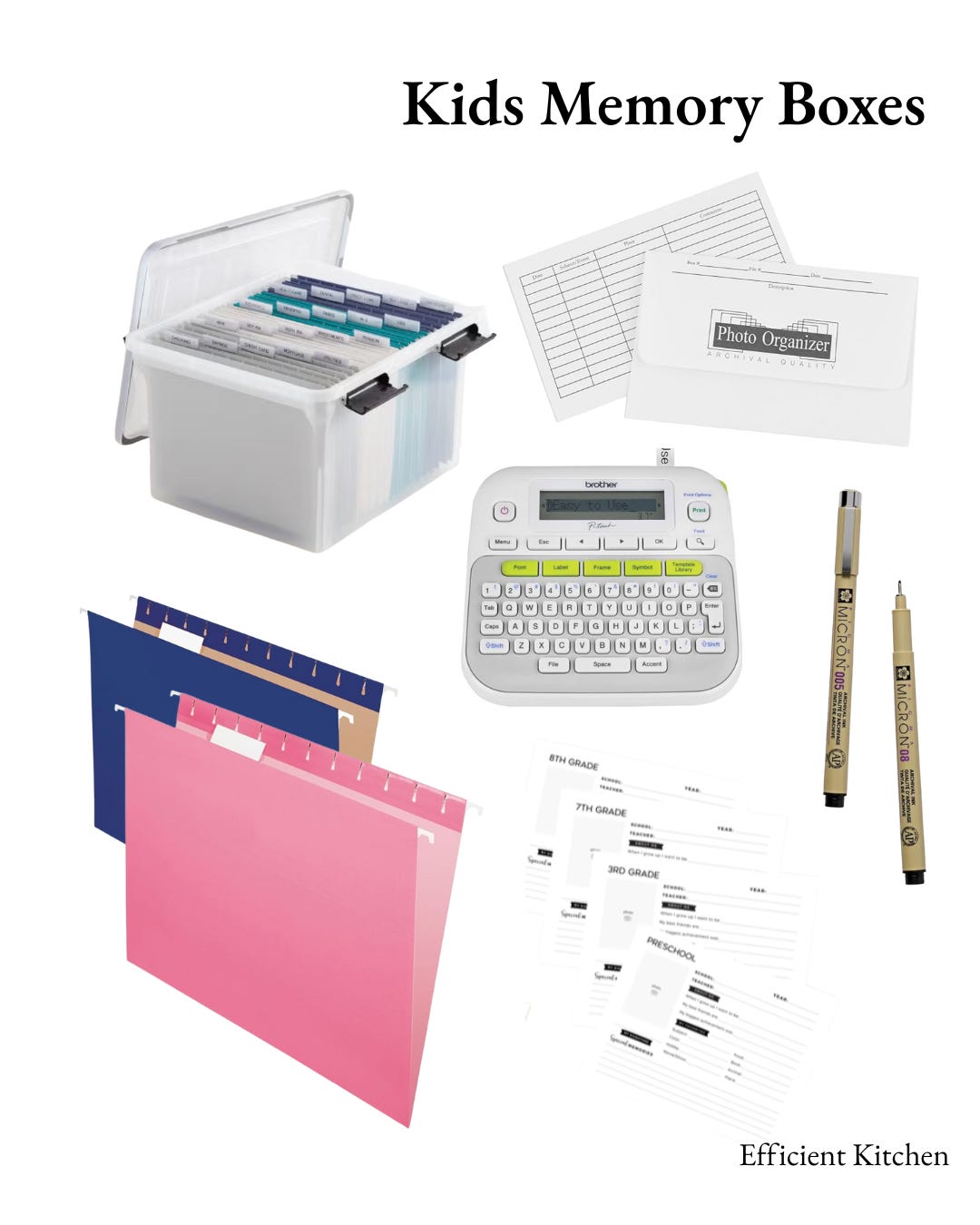
Items that I found helpful when putting this project together.
Hanging file folders* (I did pink for girl and navy for boy)
These school interview sheets (comes with a name label for front of box and all the file folder labels printed)
You don’t necessarily need the label maker, but I use mine so much for labeling other items. I think every household should have one!
Some items I’ve saved for my kids:
Ultrasound photos
Notes from friends and baby shower invitations
Artwork (I go through it all at the end of the year and save the best)
Stickers from places we have traveled
Baby book
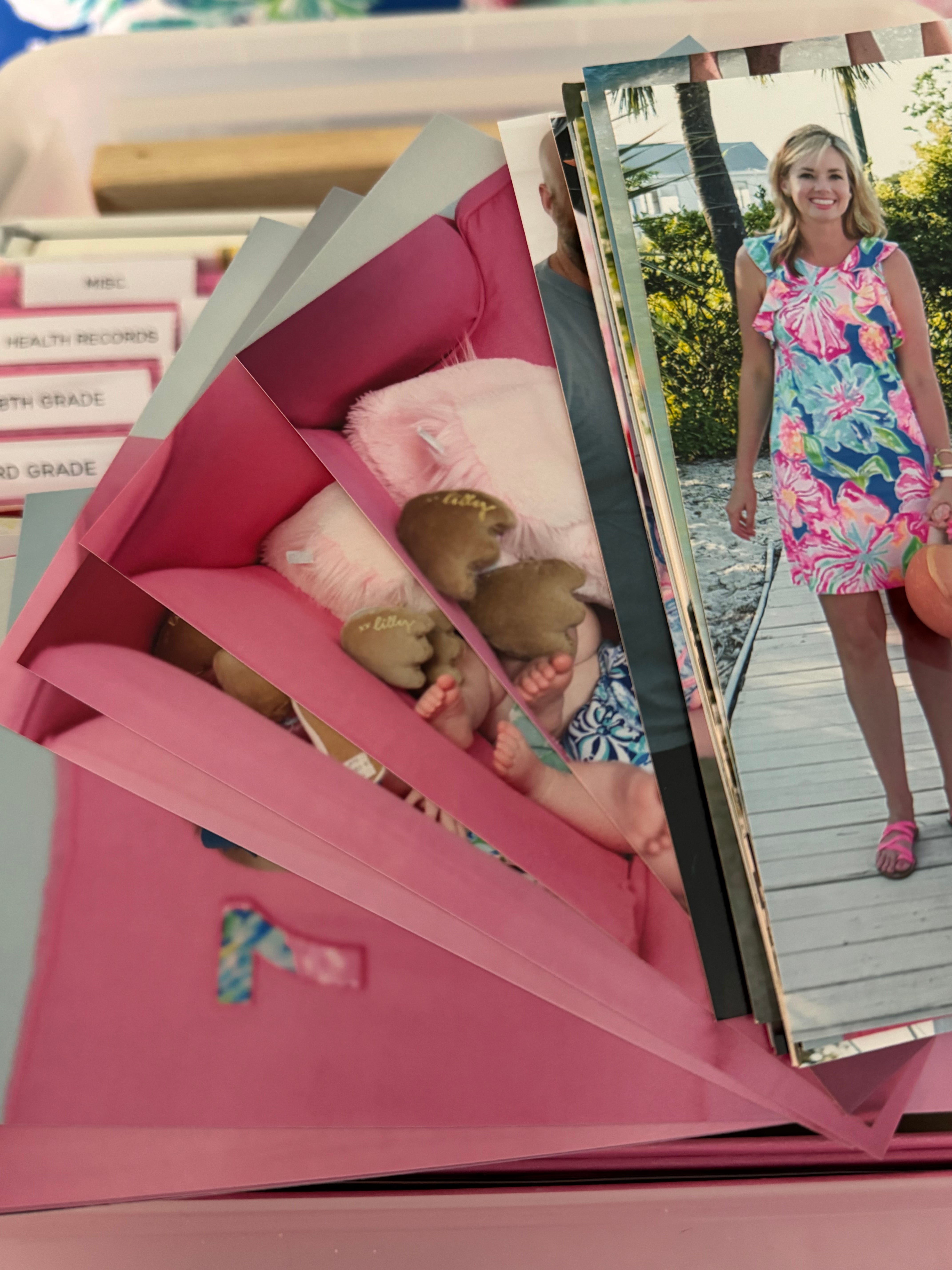
Photo Management:
One of the greatest Christmas gifts that I have been given is from my grandfather. One year he gave us all thumb drives where he scanned all his old photos and put them into LABELED folders so we would be able to know what the photos were. Then he did a slide show presentation to go with them with context. I have both saved and reference them all the time. It was SUCH a gift. I had tried to go through all our family photos for several generations and it was QUITE overwhelming. I didn’t know who people were and the sheer volume of boxes was too much for one person to store or take care of. My perspective is that if you are giving people photos, make sure they are manageable and labeled.
Having this perspective has shaped how I want to give my kids photos. We live in a digital world, but I want them to have tangible photos of important events. I make a family yearbook each year that sits out for them to look at, but that is for me. I do this by adding any photos I truly love to my “favorites” on my camera roll and upload them to shutterfly.com. It’s very easy to do and I just make spreads every couple of months. If that seems overwhelming to you, you can choose for them to make a book for you. One thing I like to do is include a note from myself reflecting on the year at the end of the book. It’s so interesting to look back on and see how life has changed.
For printing photos, you can print them free from the shutterfly.com app but I actually prefer mpix.com. They have archival worthy standards that you can choose which are better for long term storage. You always want ACID FREE when storing photos. I like these envelopes here and write on them with these scrapbooking archival pens. I will include some notes on the back of photos like the 90’s. (sometimes things in the 90’s were just done better)
**Also note on using mpix.com. They have a feature where you can put a custom message on the back of your photos. If you print by year, it’s easy to just have the year printed on the back! I just discovered that, so keep this in mind when ordering photos! Can save you some time.
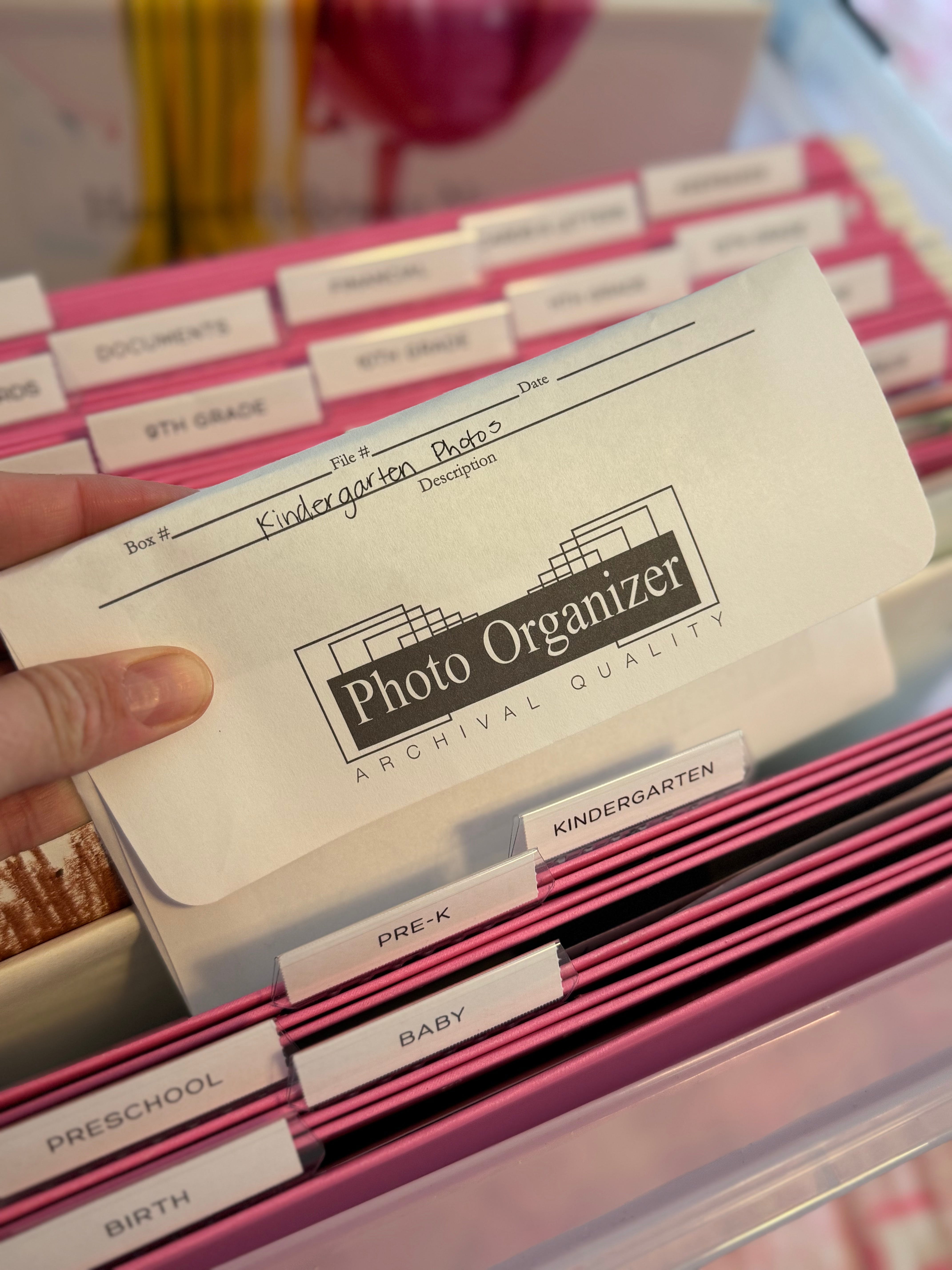
First and last day school photos. (I also order wallets from mpix.com to go on the memory sheet)
Birth photos
Birthdays
Holiday photos
School photos
Vacation photos
Random photos of their personality
Sports photos
One other bulky item that goes in their box is their baby book. I make them one for the first year of their life in a 10x10 size and it fits perfectly in the box. Shutterfly.com is an easy place for this. If you are super behind, you can always choose the “make my book for me” option.
One way I manage photos is by having a folder for each of them on my phone with their “milestone” photos. I take photos with my good camera for each month of their first year and a first and last day of school along with a sibling photo. I try to keep these together so they are easier to find. I print off all these photos for the memory box too.
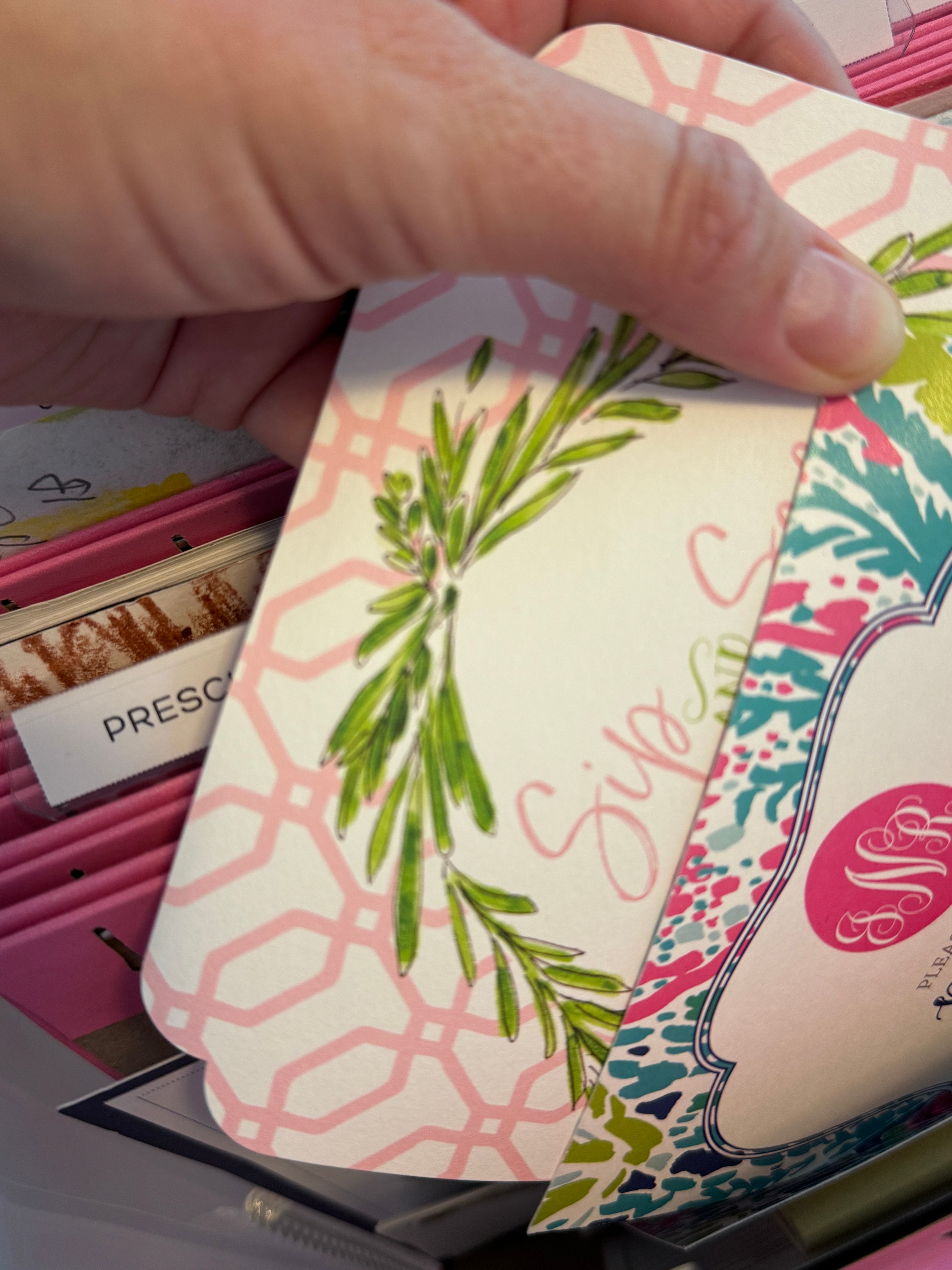
Other important items:
I love that the box has an option for health records, financial information, and keepsakes. You can customize what items you want to put in the folder but I had not thought of these items until I saw they had labels for them.
Health records: I keep their health records in chronological order in case they ever need them as an adult. This includes their well visits, any urgent care/ER visits, or other important informations.
Financial records: Do you have any accounts for your children? There’s an option to put a copy of the information in there.
Keepsakes: I like to put stickers from our vacations in there. It’s a simple small memory from places that we have visited.
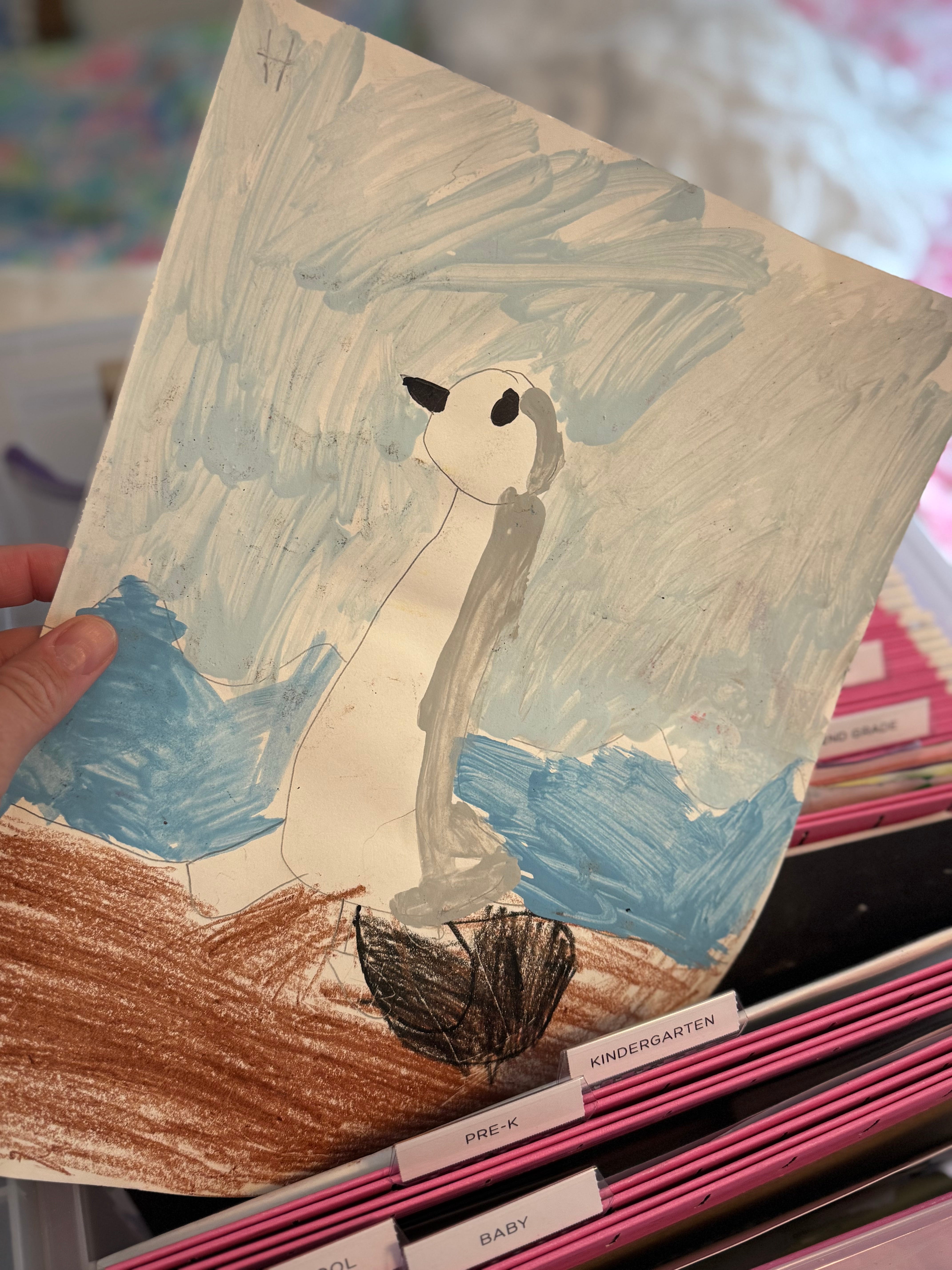
At the end of the school year, I get a portfolio of art from school. It’s generally the best 10 pieces. For now I’m saving them all but will probably pare them down in the future. For preschool art, anything with a handprint gets saved. With the kit that I bought, there is a school memory sheet so that I can interview each kid. My older child writes their own but I just interview the younger one starting in pre-k. I feel so much less overwhelmed with this system. It’s just one box for everything.
Other Types of Items Saved:
As far as clothes go, I save one box of clothing for each of them. This also includes personalized blankets and items. I learned from my own childhood clothing saved that knits and anything with elastic will not keep. The elastic may rot and it can be replaced if need but at a cost. Just keep that in mind when selecting clothing to save.
The last item I have for them is a prayer journal for their life. I am SO sad that they don’t sell these anymore because they were such a good baby gift. Really any journal will do but I pray over concepts for their life. Mine has a section where you can write answered prayers below your prayers for your children. I also write notes to them about what I love about their personality and character at the time as well as anything I want them to read in the future.
Wrapping up.
You may read this article and think: this is a lot of work. Please don’t think you have to do everything. I hope it does inspire you to do some of what is meaningful to you. If you are starting completely from scratch, I would start with going through your camera roll for the most important pictures you want to print from my photo list. Get the photos printed. Get a box and hanging files. You can always DIY label the folders.